TikTok Story Downloader
Save a TikTok story before it disappears in 24 hours. Paste the story link and download the clip in HD.
How to download
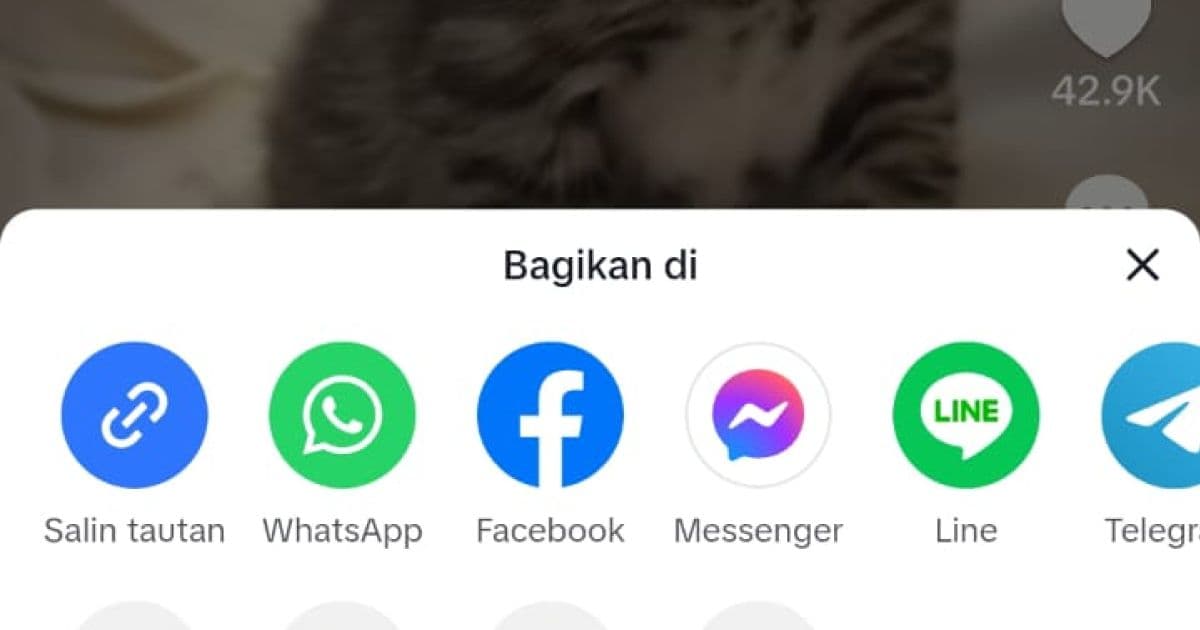 01
01Share the story
While watching the story, tap the Share icon on the right side. Choose Copy Link to copy the story's URL.
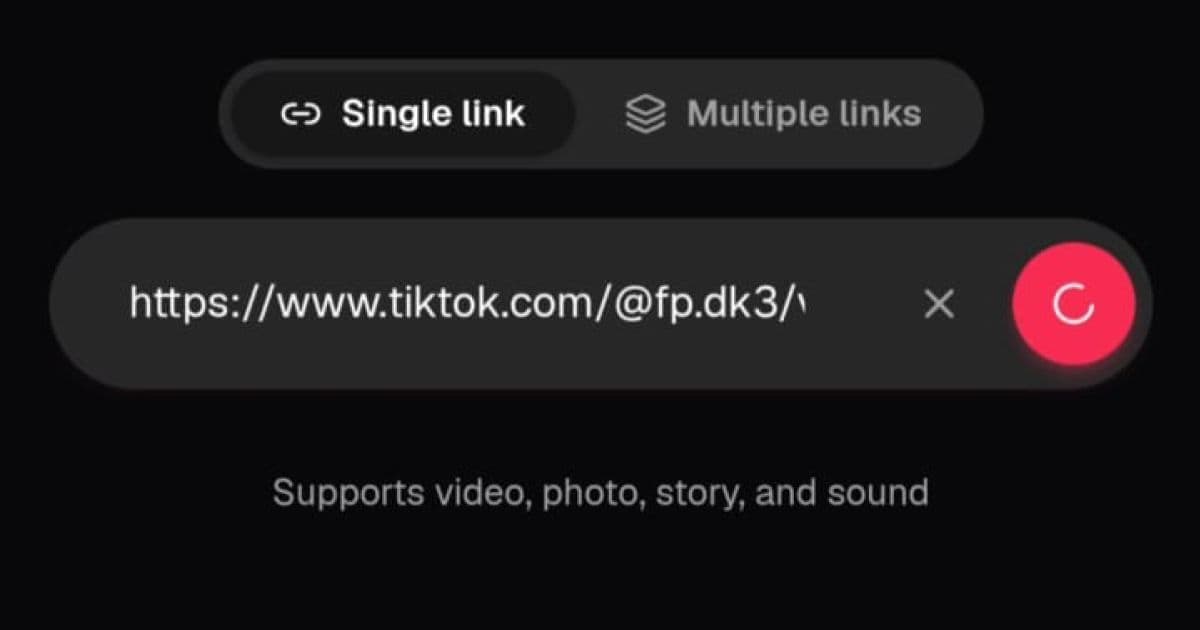 02
02Paste it into CatchTik
Open CatchTik, paste the story link into the input field. Tap the pink button to fetch the data.
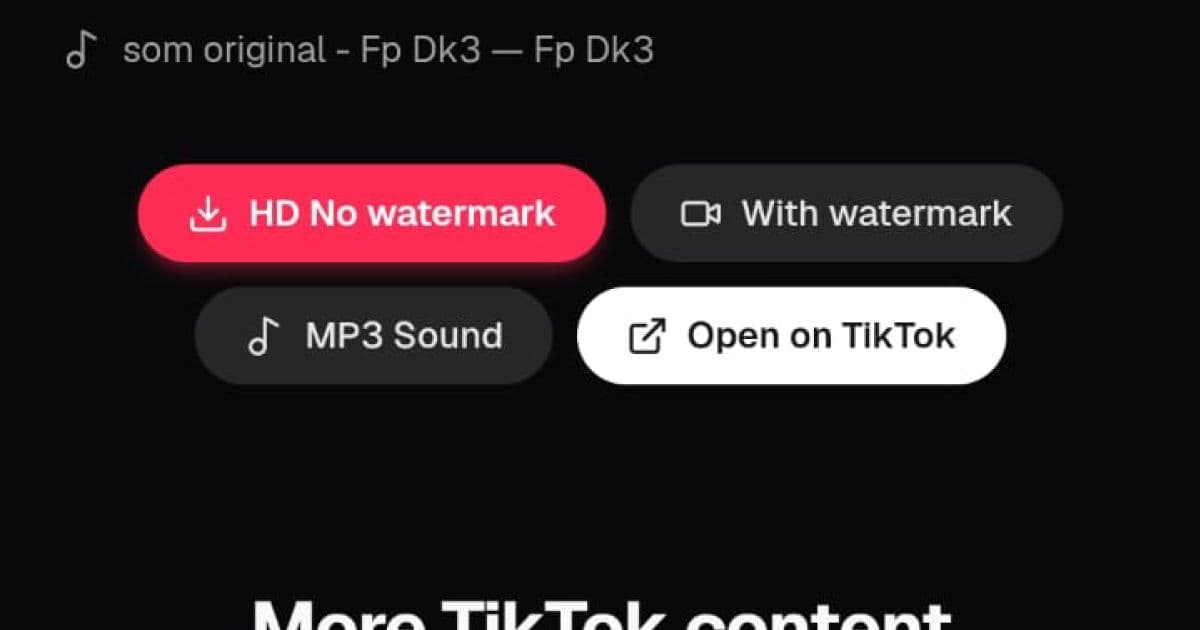 03
03Download it before it's gone
Click the HD download button to save the story to your device. Do it before the 24-hour window closes.
About CatchTik
TikTok stories only last 24 hours
A story is a short clip a creator posts to their story feed, similar to the story feature on Instagram or Snapchat, and it automatically disappears 24 hours after posting. Because that window is so short, stories are often missed before they vanish from TikTok for good.
The share link is the key
Unlike a regular video or photo, a story needs its own sharing link — open the story, tap Share, then copy that link. Paste it into CatchTik while the story is still live; once 24 hours pass or the creator deletes it, that link stops working and can't be processed anymore.
Why stories are more sensitive than regular posts
CatchTik can only process stories from public accounts — stories from private accounts can't be reached through a sharing link at all. Because stories tend to hold more personal, spontaneous moments than permanent posts, ask before you reshare someone else's story, even though it's technically downloadable.
Advertisement
Frequently asked questions
How long can a TikTok story be downloaded for?
Stories are available for 24 hours after posting. After that, the sharing link is usually no longer valid since TikTok removes it from public access.
Can I download a story from a private account?
No. CatchTik can only process stories that can be shared publicly. Stories from private accounts can't be reached through a sharing link.
Is the quality HD?
Yes, it matches the original resolution the creator uploaded. CatchTik doesn't apply any extra compression.
Why can't my story link be processed?
The story was likely deleted, is past the 24-hour window, or is from a private account. Make sure the link still opens publicly before trying to download it.
Does the story have a TikTok watermark?
Stories downloaded through CatchTik don't carry TikTok's watermark, same as a regular video download.