TikTok downloader for videos, photos, stories, and sounds
Paste any TikTok link — video, photo slideshow, story, or sound. We detect the type automatically and save it in HD quality.
TikTok content people are downloading right now
A pick of videos, photos, stories, and sounds other users are searching for.










How to download
 01
01Copy the TikTok link
Open the TikTok post you want to save, tap the Share button, then choose Copy Link. You can also copy the URL directly from your browser's address bar.
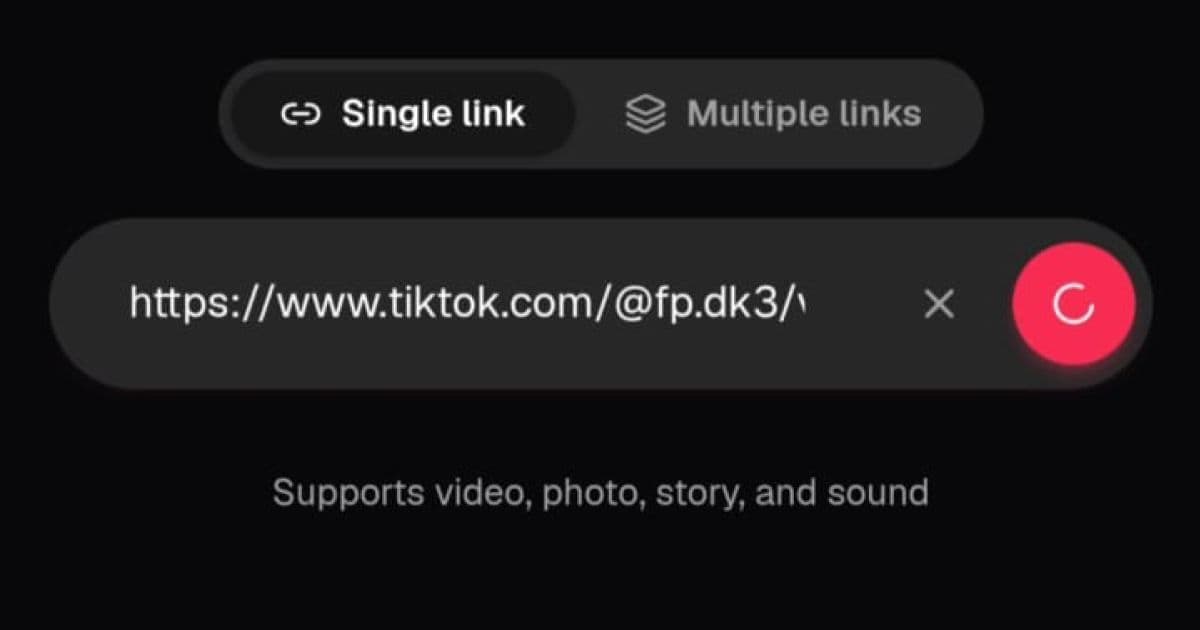 02
02Paste it into the input field
Open CatchTik and paste the copied link into the input field above. Or just tap the Paste button and we'll grab the link from your clipboard automatically. Then tap the pink button to fetch the post's data.
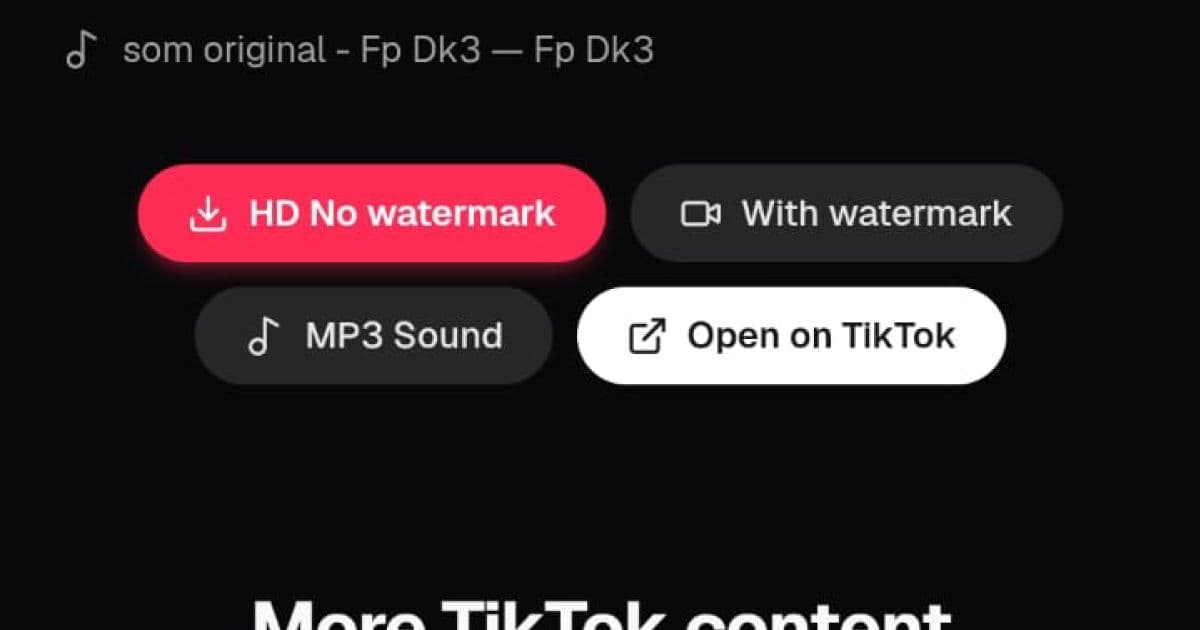 03
03Choose and download
On the preview page, pick the option you want: HD without watermark, with watermark, MP3 sound, or download individual photos from a slideshow.
About CatchTik
What is CatchTik?
CatchTik is a web-based TikTok downloader built for anyone who wants to save their favorite TikTok content without the hassle. Just paste a TikTok post link — video, photo slideshow, story, or sound — and CatchTik automatically detects the content type and shows the matching download options. No app to install, no account to create, and no limit on how many times you download. Everything runs directly in your browser, whether you're on a phone, tablet, or laptop.
Why use CatchTik?
Unlike other downloaders packed with ads or forced sign-ups, CatchTik focuses on a clean, fast experience. Our default download is HD without a watermark, so you get the best quality from the original post. If a creator's content is meant to keep its watermark on repost, the With Watermark option is available too. If you only want the audio, you can grab the sound directly as an MP3. Photo slideshows can be downloaded one at a time or all at once. Everything is free, with no registration required.
Supports every TikTok content type
CatchTik is built to handle every content format TikTok has. Short or long videos save in the best resolution TikTok provides, usually 1080p. Photo posts or slideshows with up to 35 images can be downloaded in full. TikTok stories, which normally disappear after 24 hours, can be saved as long as the link is still shareable publicly. Sound or music from a TikTok video can be extracted as MP3 for use in other projects. One page covers everything you need to download from TikTok.
Advertisement
Frequently asked questions
Is CatchTik really free?
Yes. CatchTik is 100% free with no usage limits, no ads, and no account required. All features are available to every user.
Can I download videos and photos in the same place?
Yes. CatchTik automatically detects whether a link is a video, photo slideshow, story, or sound. The preview page shows the download options that match the content type.
Are the videos really watermark-free?
CatchTik's default download is the HD version without TikTok's watermark. But if you need the original version with the watermark — for example for a repost that requires crediting the creator — that option is available too.
Do I need to install an app or extension?
No. CatchTik runs entirely in your browser. It works on phone, tablet, or laptop with nothing to install.
Where do downloaded files get saved?
Files are saved straight to your browser's default Downloads folder. CatchTik doesn't keep a copy of anything on our servers.
Do short links like vm.tiktok.com work?
Yes. CatchTik automatically follows the redirect from a short link to the original post URL, so you don't need to open it manually first.