TikTok Photo Downloader
Save TikTok photo slideshows in their original resolution. Download one photo at a time or the whole slideshow at once.
More TikTok photo slideshows to check out
Other photo posts and slideshows people are downloading on CatchTik.








How to download
 01
01Copy the post link
Tap the Share button, then choose Copy Link to copy the photo post's URL to your clipboard.
 02
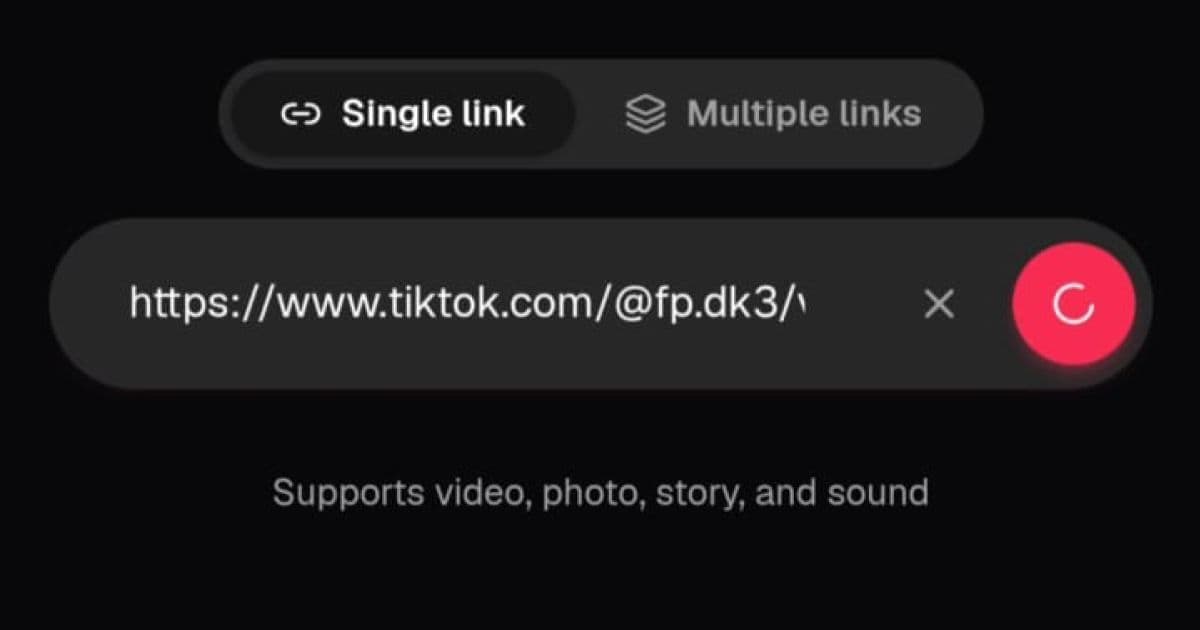
02Paste it into CatchTik
Open CatchTik and paste the photo link into the input field. Tap the pink button to fetch the slideshow's data.
 03
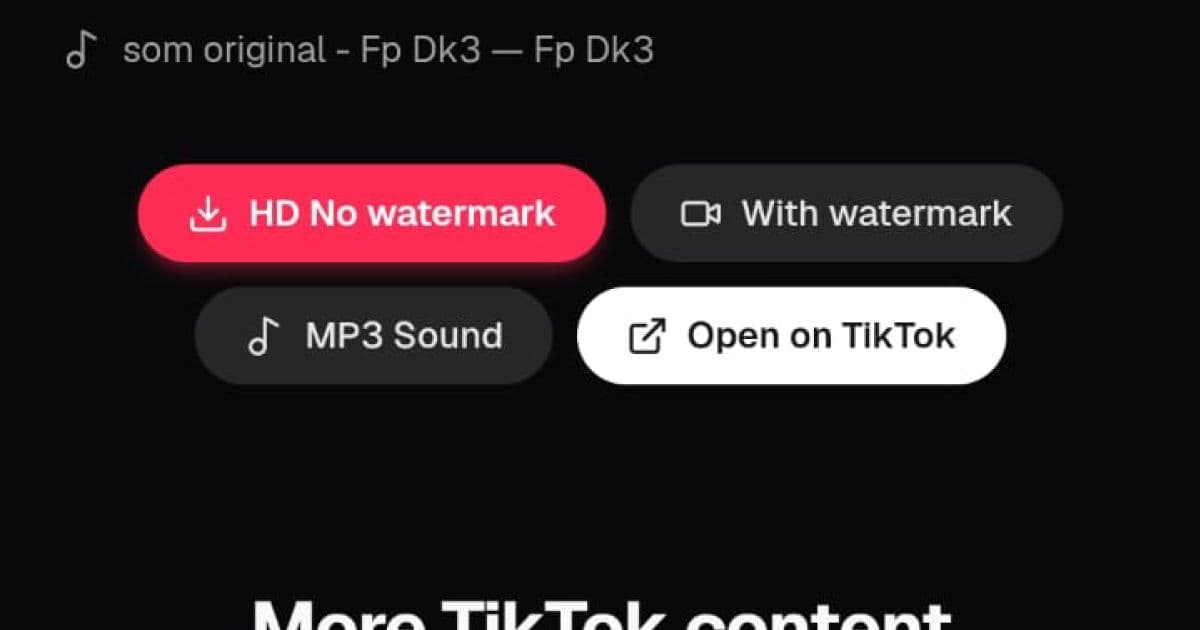
03Download the photos
Pick photos one at a time, or click Download all to save the entire slideshow to your device.
About CatchTik
A TikTok slideshow, up to 35 photos in one post
A photo or slideshow post is where a creator shares anywhere from one to dozens of photos in a single post, usually with background music. TikTok caps slideshows at 35 photos, and CatchTik lays every one of them out in a grid on the preview page, in the exact original order.
Grab one photo or the whole set
Click any photo in the grid to download it on its own, or use the Download all button to save the entire set in one step. Since the browser is downloading multiple files at once, it may ask for permission for multiple downloads — just allow it once so every photo saves without getting cut off.
Original resolution, no extra compression from us
Every photo is saved in JPG/PNG matching its original file, streamed straight from TikTok's servers to your device without any reprocessing by CatchTik. That means the detail and resolution match exactly what the creator uploaded — use it for personal purposes, and credit the source if you share it again.
Advertisement
Frequently asked questions
How many photos can I download from one slideshow?
As many as the post contains, up to TikTok's 35-photo-per-slideshow limit. CatchTik doesn't add any further restriction.
Can I download just one photo from a slideshow?
Yes. Every photo on the preview page has its own download button, so you can pick just the images you need.
Does the resolution stay original?
Yes. CatchTik pulls the photo files directly from TikTok with no extra compression, so the resolution matches the original upload.
What if I paste a video link here instead?
You'll be taken to the matching preview page. CatchTik's homepage also accepts any type of TikTok link without needing to pick a specific downloader first.
Does the slideshow's audio get downloaded too?
Not automatically. If you need the sound from that slideshow, use CatchTik's Music downloader with the same link to grab the MP3.