Why Watermarks Hurt Your Reach: The Ultimate Guide to Cross-Platform Reposting
 zulfahmi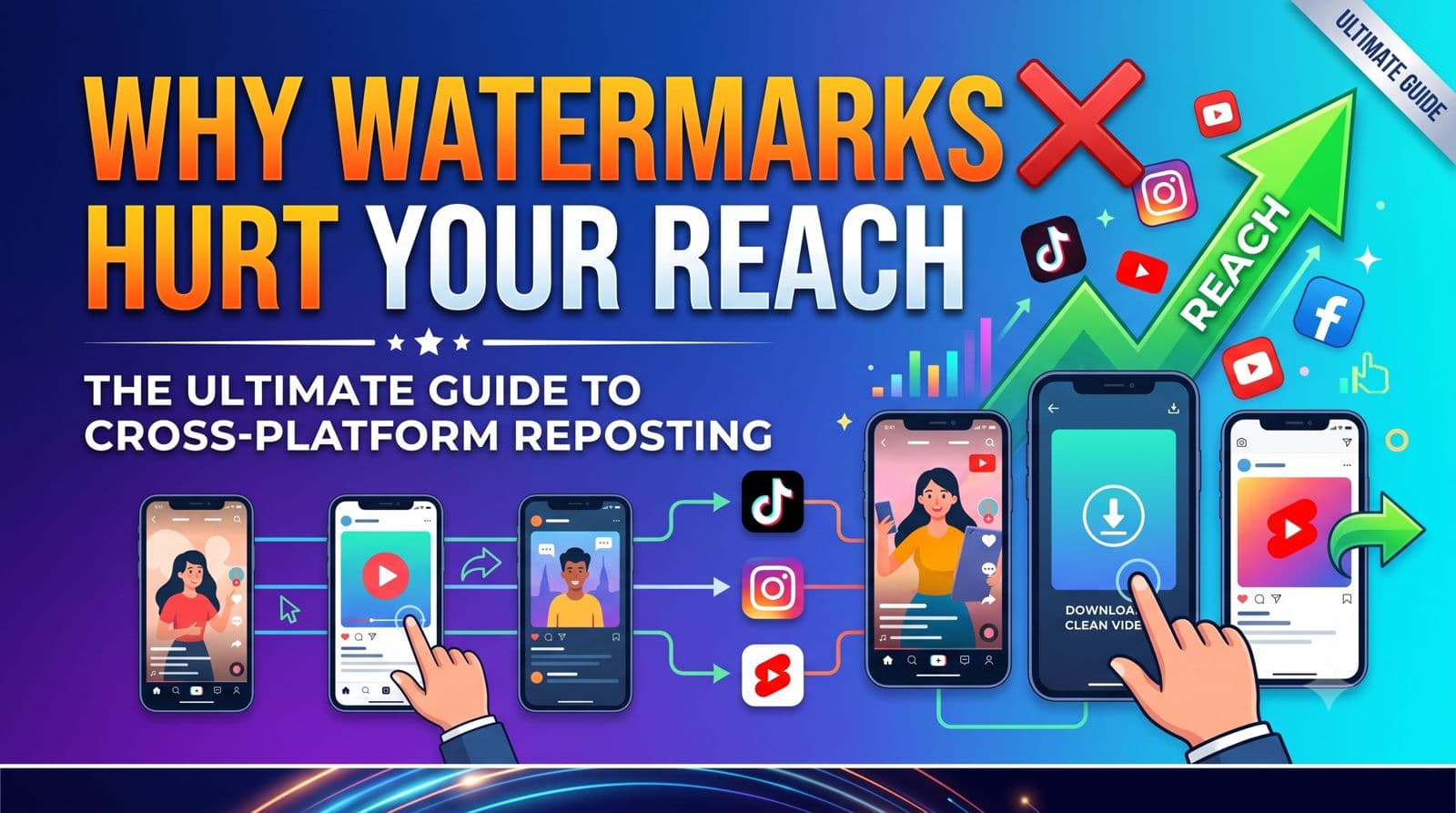
You’ve spent hours filming, editing, and perfecting your latest short-form video. It performs incredibly well on TikTok, racking up views, likes, and shares. Naturally, you want to get the absolute most mileage out of your hard work. Repurposing your creative content across multiple networks is the smartest way to scale your audience today.
This is where cross platform reposting comes into play. By sharing your TikToks on Instagram Reels, YouTube Shorts, and Facebook, you can multiply your overall reach without doubling your workload. However, there is a major roadblock that many creators and businesses overlook: the bouncing platform watermark.
If you want to build a successful distribution strategy, you have to understand how watermarks act as an invisible barrier to your online growth. In this guide, we’ll dive into why major social platforms actively suppress watermarked content, how clean videos build stronger brand authority, and how you can easily strip these logos using CatchTik to maximize your potential views.
How Algorithms Penalize Watermarks in Cross Platform Reposting
Social media networks are locked in a fierce battle for user attention. Instagram, YouTube, and TikTok want users to stay inside their apps for as long as possible. Because of this rivalry, these platforms do not want to look like secondary destinations for recycled content. They want their feeds to feel fresh, original, and native.
To enforce this preference, both Meta (Instagram/Facebook) and Google (YouTube) have updated their recommendation algorithms to actively identify and penalize videos containing external watermarks. Using advanced computer vision technology, these algorithms scan every uploaded video for specific shapes, pixels, and movement patterns associated with competitor logos.
If the algorithm detects a bouncing watermark, it will quietly limit the distribution of that post. Your video will not be recommended on the Reels Explore tab or pushed into the YouTube Shorts feed. You might end up reaching only a fraction of your existing followers, missing out on thousands of potential new fans simply because of a tiny digital stamp.
Why Clean Videos Look More Professional to Your Audience
Beyond the technicalities of search algorithms, there is a major psychological factor to consider: how your audience perceives your brand. When a user scrolls through Instagram or YouTube and encounters a video with a visible TikTok watermark, it sends a subtle but clear message. It suggests that you didn't put the effort into tailoring your content specifically for them.
For brands, creators, and businesses, this can chip away at your professional credibility. A clean, watermark-free video looks polished, intentional, and high-quality. It signals to your viewers that you respect the platform they prefer to use and are committed to presenting the best possible version of your work.
Additionally, leaving a watermark on your video severely limits your creative flexibility. TikTok watermarks bounce around the screen, which means they can easily cover up important visual details, native caption overlays, or product tags. When you start with a clean canvas, you can freely use the native fonts, stickers, and interactive features of each platform to drive higher engagement.
Step-by-Step: Removing Watermarks with CatchTik Before Reposting
Fortunately, you do not need expensive video editing software or complex technical skills to strip watermarks from your videos. Tools like CatchTik make the process fast, free, and accessible from any device. Here is how you can prepare your TikTok videos for seamless cross-platform sharing:
- Find the Video Link: Open your TikTok app, locate the video you want to repurpose, tap the "Share" button, and select "Copy Link."
- Paste into CatchTik: Open your web browser on your phone or PC, navigate to the CatchTik website, and paste the copied link directly into the input bar.
- Download Clean Content: Click the download button. CatchTik will process the video in seconds, removing the watermark while preserving the original video and audio quality.
- Save and Share: Save the clean file directly to your camera roll or desktop, ready for your next upload.
Best Practices for Successful Cross Platform Reposting
Removing the watermark is the most important step, but true cross-platform success requires a bit of extra strategy. To ensure your content performs at its best on every network, keep these practical tips in mind:
- Respect the Safe Zones: While vertical video (9:16) is standard, every app places its user interface elements—like the username, description, and action buttons—in slightly different areas. Keep your core visual action and text captions centered to avoid getting them covered by UI elements.
- Customize Your Captions: A caption that works well on TikTok might not resonate on Instagram or YouTube. Take a moment to adapt your copy. Use engaging hooks for Reels, and include search-friendly keywords in your YouTube Shorts titles.
- Use Platform-Specific Audio: If your video relies on a trending track, try to select that track natively within each app's audio library during the upload process. This associates your video with the active trend on that specific platform, giving you an extra algorithmic boost.
Elevate Your Social Media Presence with Clean Content
Cross-platform reposting is one of the most efficient strategies for expanding your digital footprint and connecting with new audiences. However, relying on watermarked videos will limit your visibility and make your brand look less polished. By integrating CatchTik into your publishing workflow, you can ensure your content remains clean, professional, and optimized for maximum organic reach. Take control of your distribution, remove the limits on your growth, and start sharing clean videos today.
Ready to save your favorite TikToks?
Download videos, photos, sounds, and stories in seconds — free, no watermark.
Try CatchTik nowYou might also like

How to Download TikTok Videos for Free Without Watermark
Learn the best methods to download TikTok videos without watermarks. Discover safe tools and step-by-step guides for saving your favorite content.
by zulfahmiJuly 18, 2026Read more →How to Download TikTok Photo Carousels Without Watermark
Want to save image slides from TikTok? Learn how to download tiktok photo carousel posts in high quality and without watermarks using CatchTik.
by zulfahmiAugust 3, 2026Read more →How to Repurpose TikTok Videos for Instagram Reels and YouTube Shorts
Learn how to repurpose TikTok videos for Reels and YouTube Shorts without watermarks to boost your reach, engagement, and affiliate revenue.
by zulfahmiAugust 4, 2026Read more →